HowI Find Sensitive Information Leaks on GitHub (and a Real Example)


Introduction
Secrets and credentials often end up in public code repositories by mistake. Attackers scan GitHub constantly to harvest these leaks, but as security researchers we can help organizations fix them responsibly.
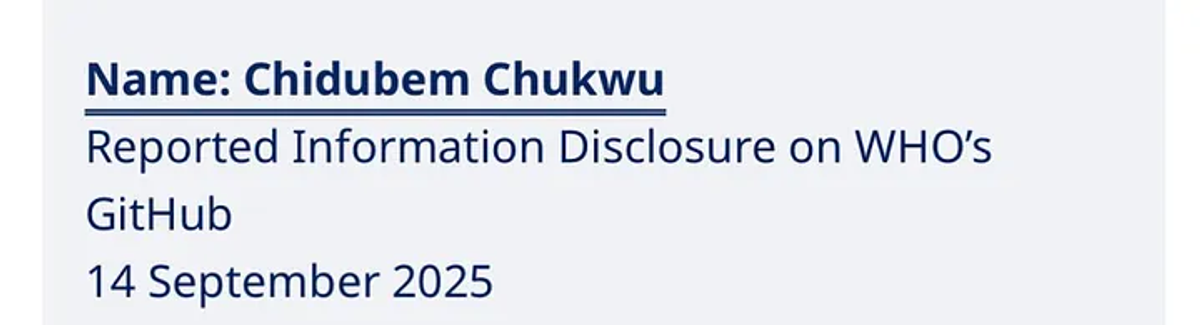
Recently, while using these techniques, I came across exposed credentials in a WHOAcademy repository. I reported it responsibly through the World Health Organization’s Vulnerability Disclosure Program, and they confirmed and fixed it. In this post, I’ll walk you through how to look for leaks on GitHub, the kinds of files/secrets you might find, and how to handle them responsibly.
Step 1 — Use GitHub Search
GitHub’s search can be surprisingly powerful. Some good queries to start with:
filename:.env password
filename:values.yaml password
“PRIVATE KEY” extension:pem
“password=” extension:ini
“AKIA” # AWS keys
You can also search for organization names:
org:target-org “password”
org:target-org “secret”
org:target-org “private_key”
org:target-org “ — — -BEGIN PRIVATE KEY — — -”
org:target-org “ — — -BEGIN RSA PRIVATE KEY — — -”
org:target-org “aws_access_key_id”
org:target-org “aws_secret_access_key”
org:target-org “AKIA”
org:target-org “AIza”
org:target-org “azure_client_secret”
org:target-org “client_secret”
org:target-org “client_id”
org:target-org “serviceAccount”
org:target-org “google_credentials”
org:target-org “GCP”
org:target-org “xoxb-”
org:target-org “slack_token”
org:target-org “slack_webhook”
org:target-org “stripe_live_secret”
org:target-org “sq0atp-”
org:target-org “sk_live_”
org:target-org “ghp_”
org:target-org “github_token”
org:target-org “access_token”
org:target-org “authorization”
org:target-org “bearer”
org:target-org “ssh-rsa”
org:target-org “ssh-ed25519"
org:target-org “terraform.tfstate”
org:target-org “.env”
org:target-org “db_password”
org:target-org “mysql.password”
org:target-org “postgresql”
This often reveals forgotten environment files, config backups, or test credentials.
Step 2 — Look for Common Leak Files
Some files are more likely to contain secrets:
• .env → Environment variables
• values.yaml → Helm/Kubernetes configs
• settings.py or config.js → Application configs
• .git-credentials, .npmrc → Developer tokens
• id_rsa, *.pem → Private keys
Step 3 — Verify Without Exploiting
If you see something that looks like a secret, don’t try to log in or use it. Responsible disclosure means:
• Just confirm the file/repo is public.
• Redact values in your notes (e.g., password: [redacted]).
• Document where it was found.
Step 4 — Reporting the Leak
Most large organizations have a Vulnerability Disclosure Program (VDP) or bug bounty. Always check the policy first, and never publicly drop secrets before disclosure timelines.
My WHO Example (Short Story)
Using the above steps, I located a values.yaml file in a WHOAcademy repository that contained hard-coded database credentials.
I wrote up a report, encrypted it with WHO’s PGP key, and sent it to their security team.
• They confirmed receipt.
• Assigned me a tracking number.
• Later, I noticed the repo had been locked down and the file removed.
• Finally, I was recognized on the WHO Vulnerability Disclosure Hall of Fame for my contribution.
Step 5 — Automate Searches
Manual search is fine, but you can also use tools like:
• TruffleHog → Finds secrets in Git history
• GitLeaks → Scans repos for secret patterns
• Shhgit → Real-time scanning for exposed keys
These help you scale your hunting, but remember: automation doesn’t replace judgment.
GitHub leaks are one of the simplest but most impactful vulnerabilities you can find. With the right search techniques and responsible reporting, you can help organizations protect sensitive data.
Always:
• Search smartly.
That’s how I found and reported the WHO credentials leak and I’ll keep using these methods to help secure other projects too.
Hall of Fame